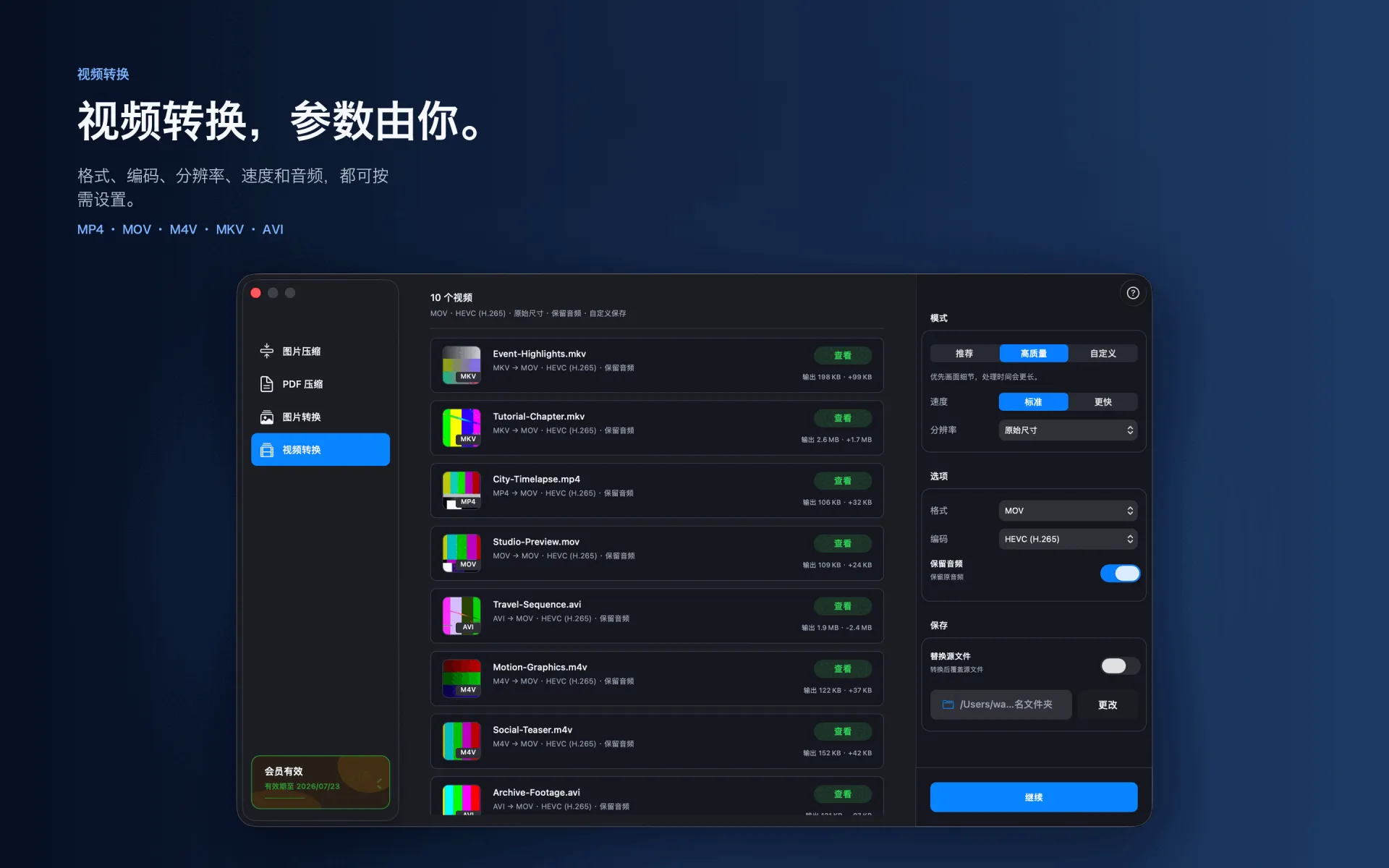
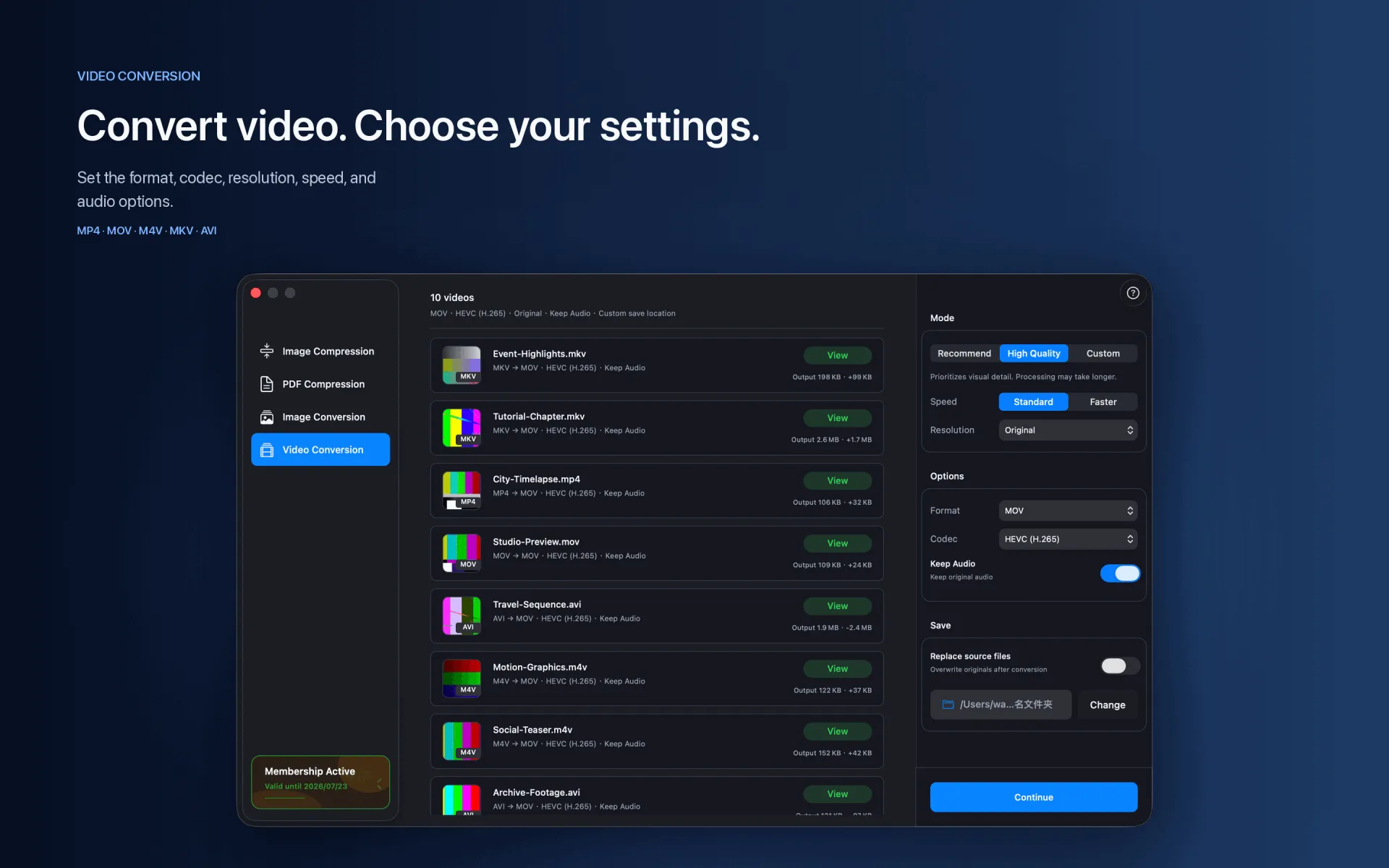
4K is useful for masters and editing, but often excessive for sharing, presentations, and mobile playback.
Steps
Import the 4K video.
Choose an output format and codec, then set resolution to 1080p.
Choose a quality profile and destination, then start converting.
Supported range
4K (2160p) → 1080p · H.264 · HEVC
Compression and conversion happen locally on Mac. App Store download, purchase validation, restore purchases, update checks, or feedback you submit may require network access.
Before you start
Keep a backup of important files before choosing to replace originals.
Test a small batch first to verify format, quality, audio, and destination.
Open or play the result on the target device or platform before delivery.