MKV support varies across players, presentation tools, and upload services. MP4 reduces friction across devices.
Steps
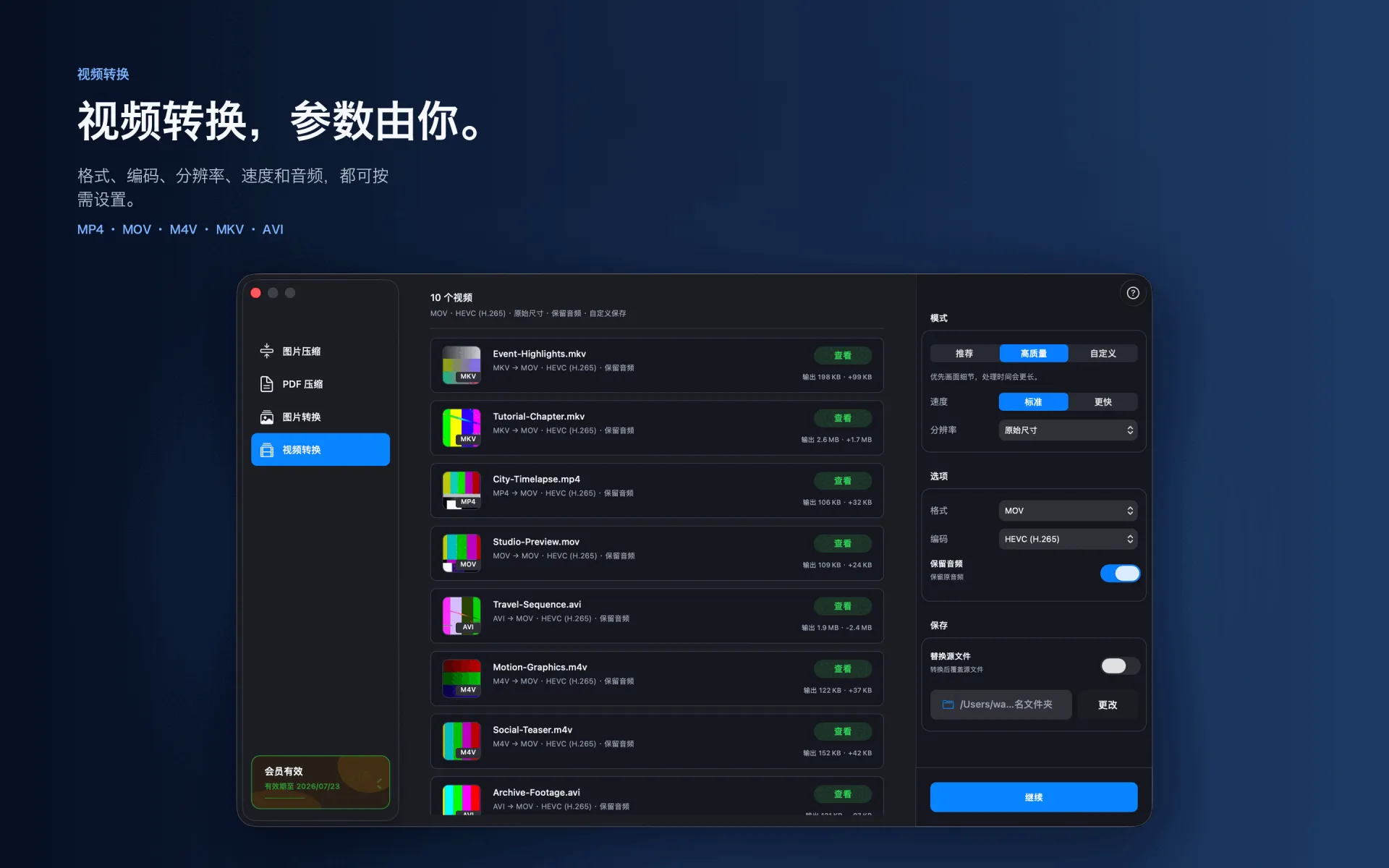
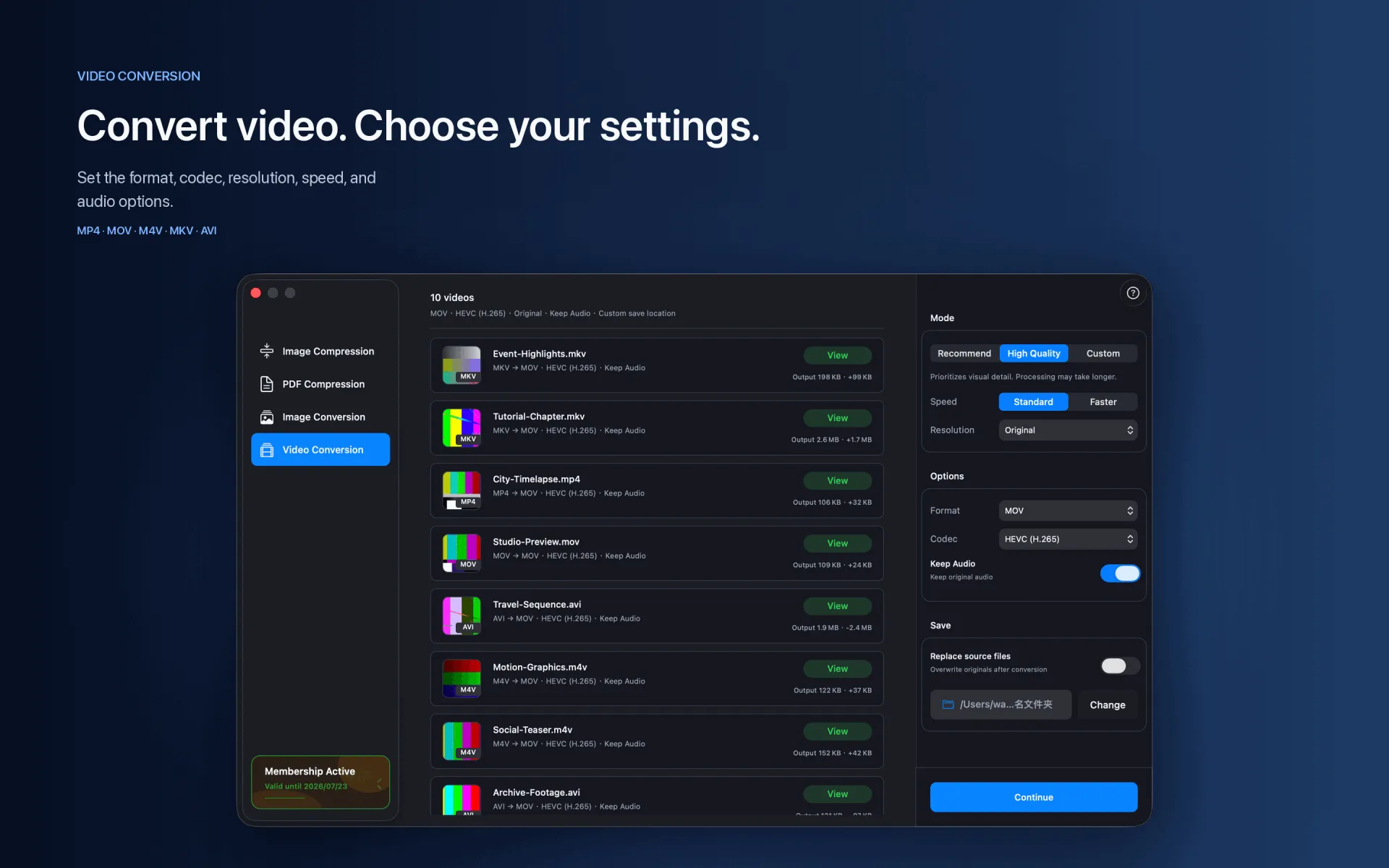
Drag the MKV file into Video Conversion.
Choose MP4 and select H.264 or HEVC.
Keep the original resolution or choose a target such as 1080p, then convert.
Supported range
MKV → MP4 · H.264 · HEVC
Compression and conversion happen locally on Mac. App Store download, purchase validation, restore purchases, update checks, or feedback you submit may require network access.
Before you start
Keep a backup of important files before choosing to replace originals.
Test a small batch first to verify format, quality, audio, and destination.
Open or play the result on the target device or platform before delivery.