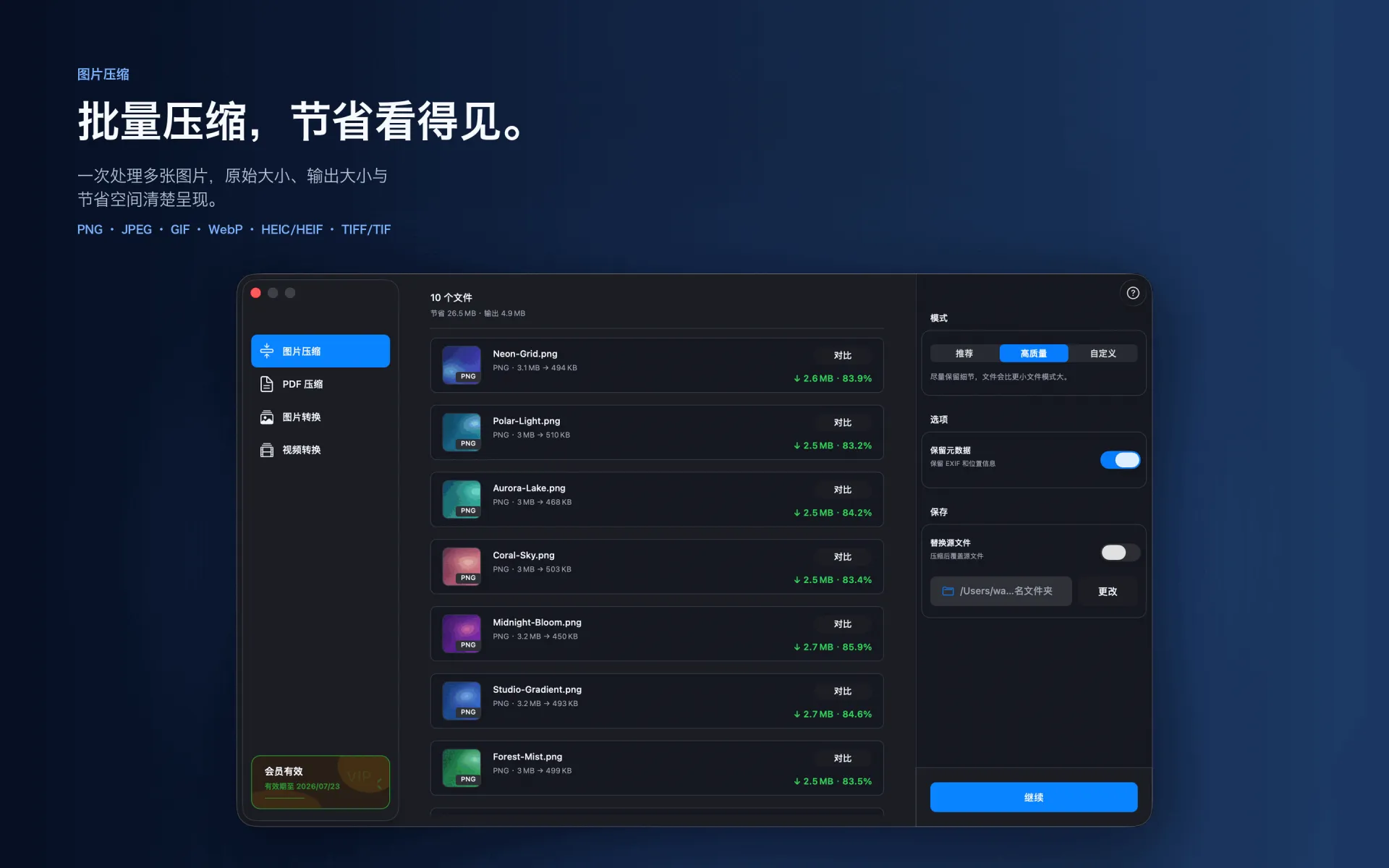
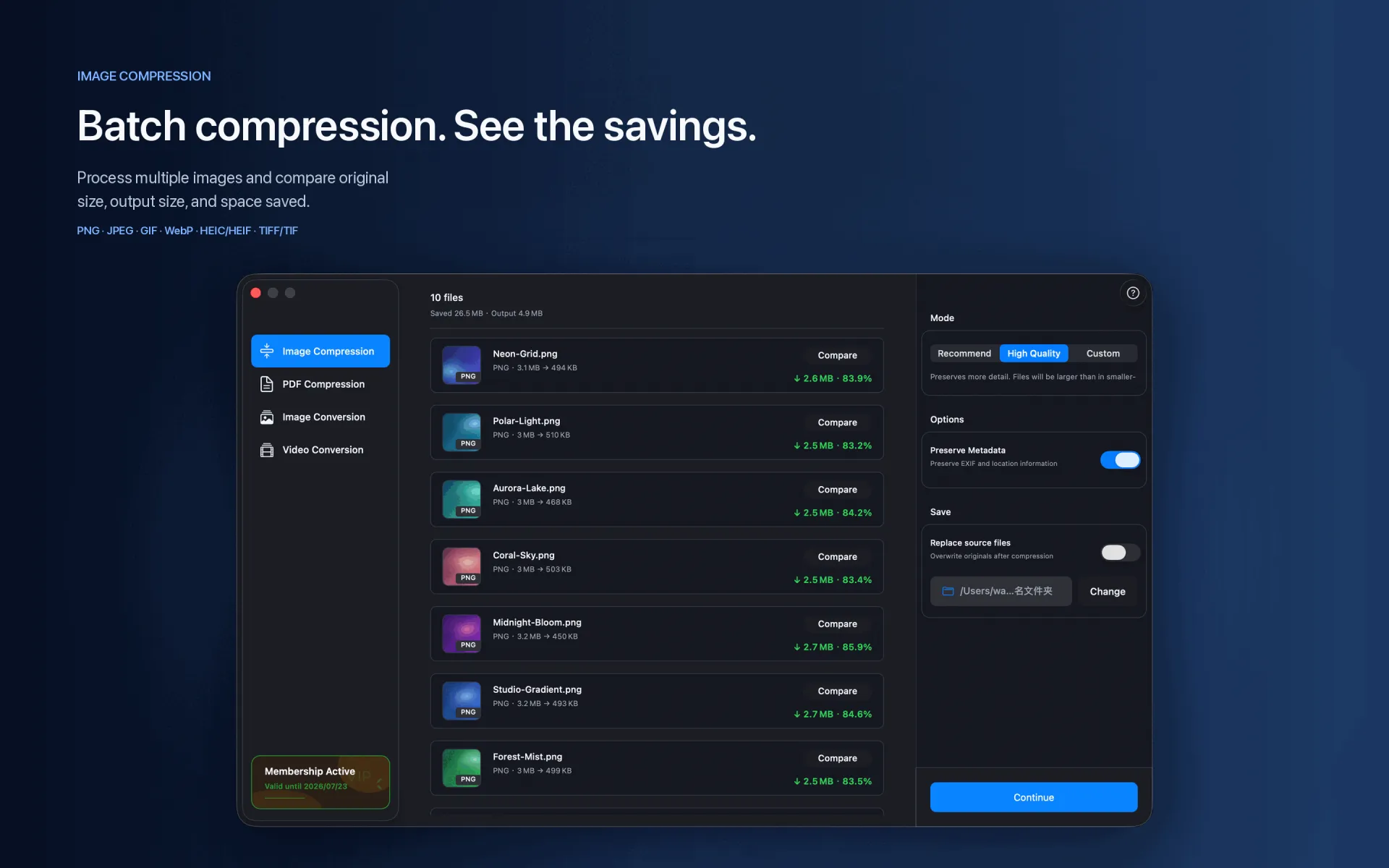
Processing images one by one is slow and easy to get wrong. A batch queue applies consistent settings and keeps each file's status and size change visible.
Steps
Drop images or folders into XCompressor.
Choose a compression profile and whether to keep metadata or replace originals.
Start the batch, then review saved space and output locations.
Supported range
PNG · JPEG · GIF · WebP · HEIC/HEIF · TIFF/TIF
Compression and conversion happen locally on Mac. App Store download, purchase validation, restore purchases, update checks, or feedback you submit may require network access.
Before you start
Keep a backup of important files before choosing to replace originals.
Test a small batch first to verify format, quality, audio, and destination.
Open or play the result on the target device or platform before delivery.