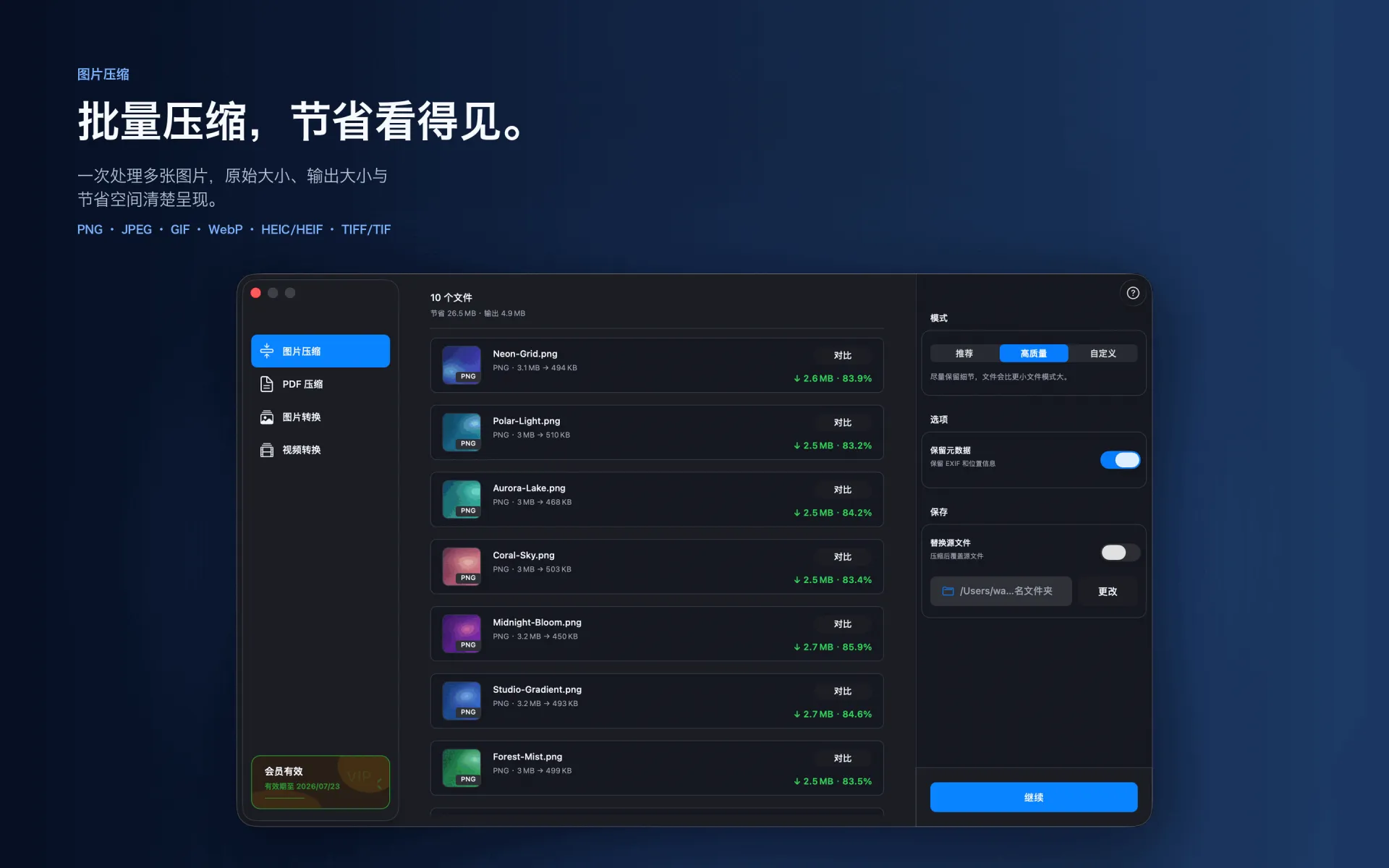
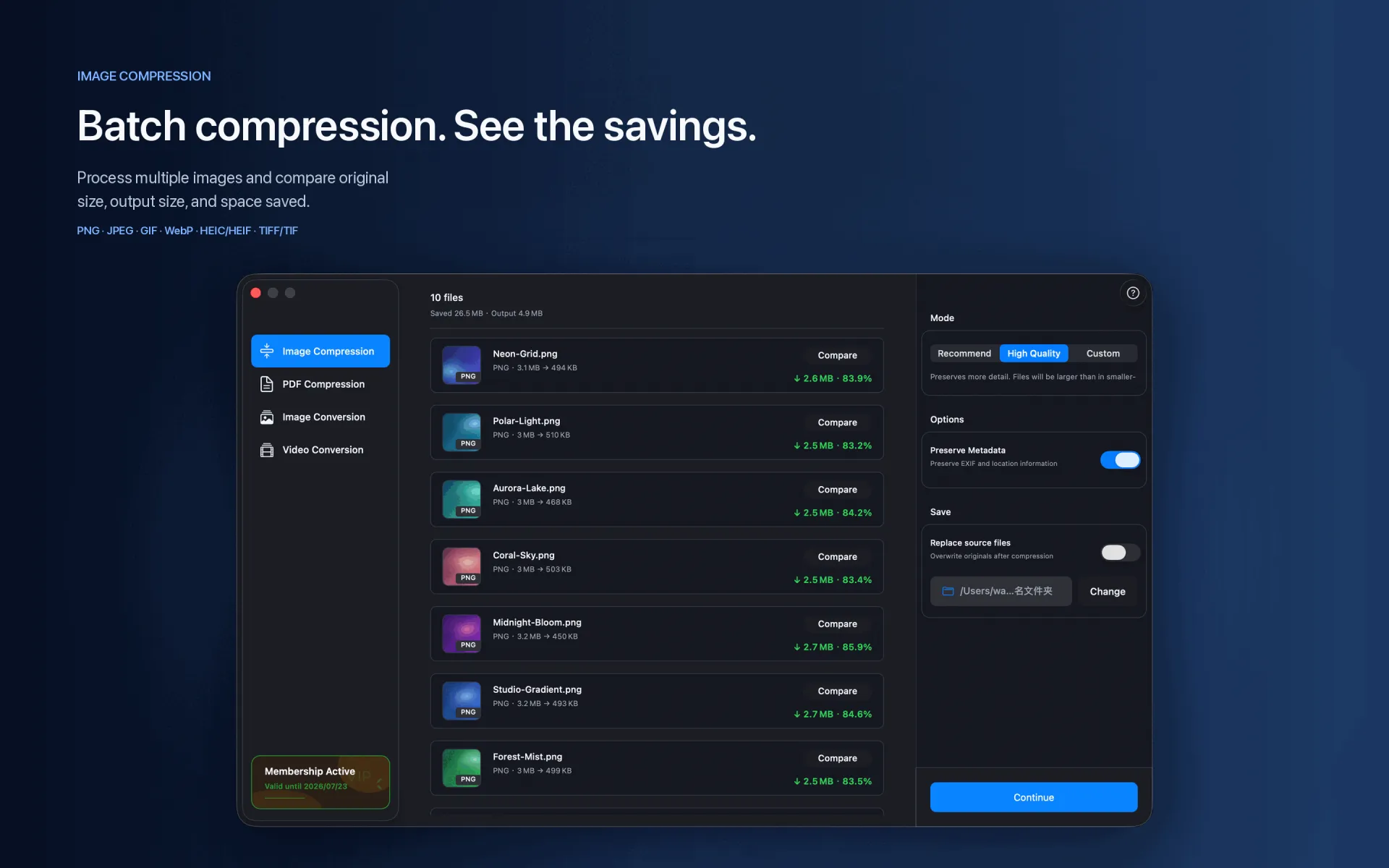
Many platforms set upload limits in KB or MB. XCompressor lets you tune quality and review output size, but does not currently promise one-click exact-size targeting.
Capability note The current version uses quality controls and result feedback to approach a target size; it does not promise one-click exact KB/MB output.
Steps
Import the images you need to reduce.
Start with a recommended or balanced profile and review the output size.
If the file is still too large, lower quality and compress again, keeping the result that fits.
Supported range
PNG · JPEG · GIF · WebP · HEIC/HEIF · TIFF/TIF
Compression and conversion happen locally on Mac. App Store download, purchase validation, restore purchases, update checks, or feedback you submit may require network access.
Before you start
Keep a backup of important files before choosing to replace originals.
Test a small batch first to verify format, quality, audio, and destination.
Open or play the result on the target device or platform before delivery.