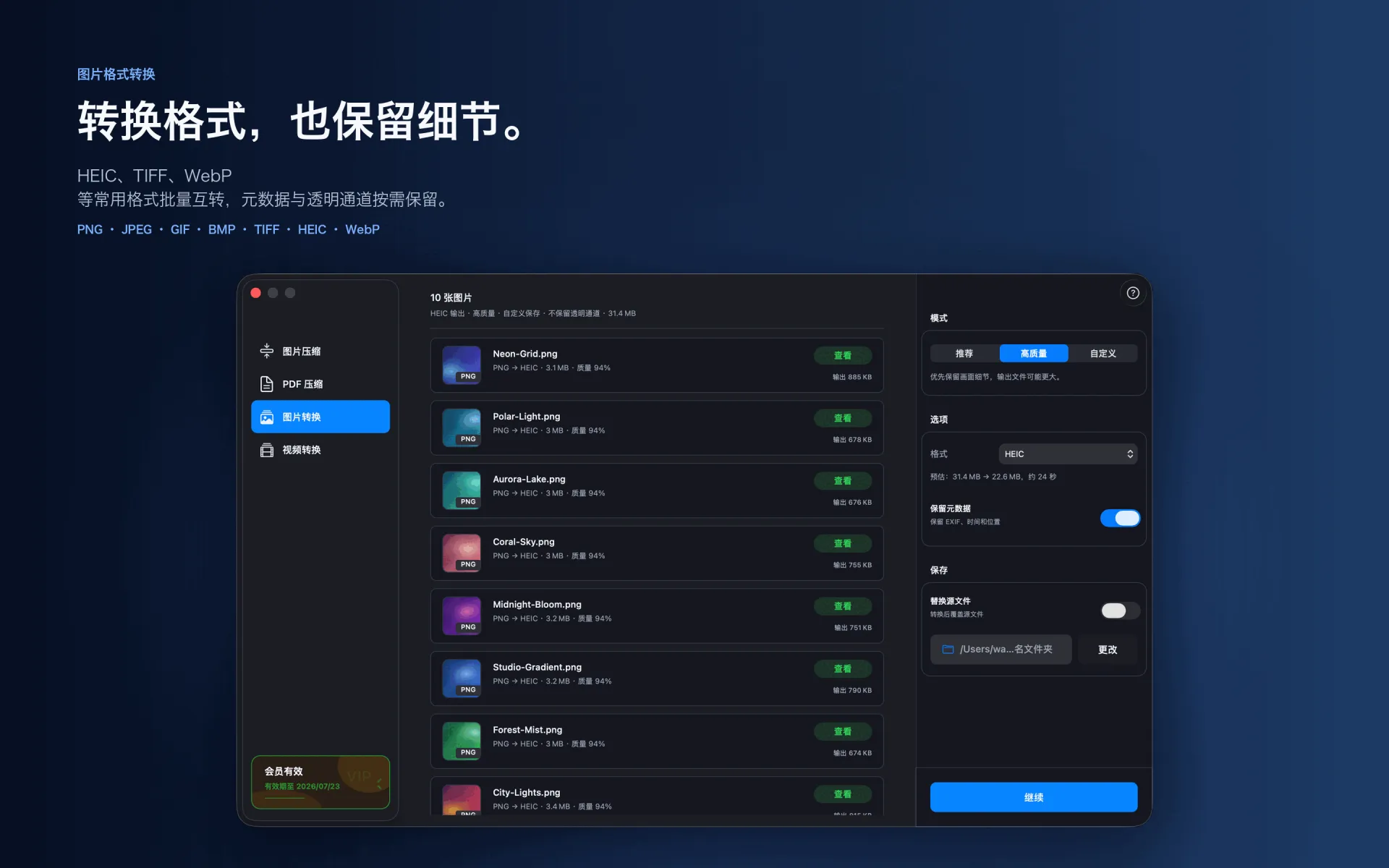
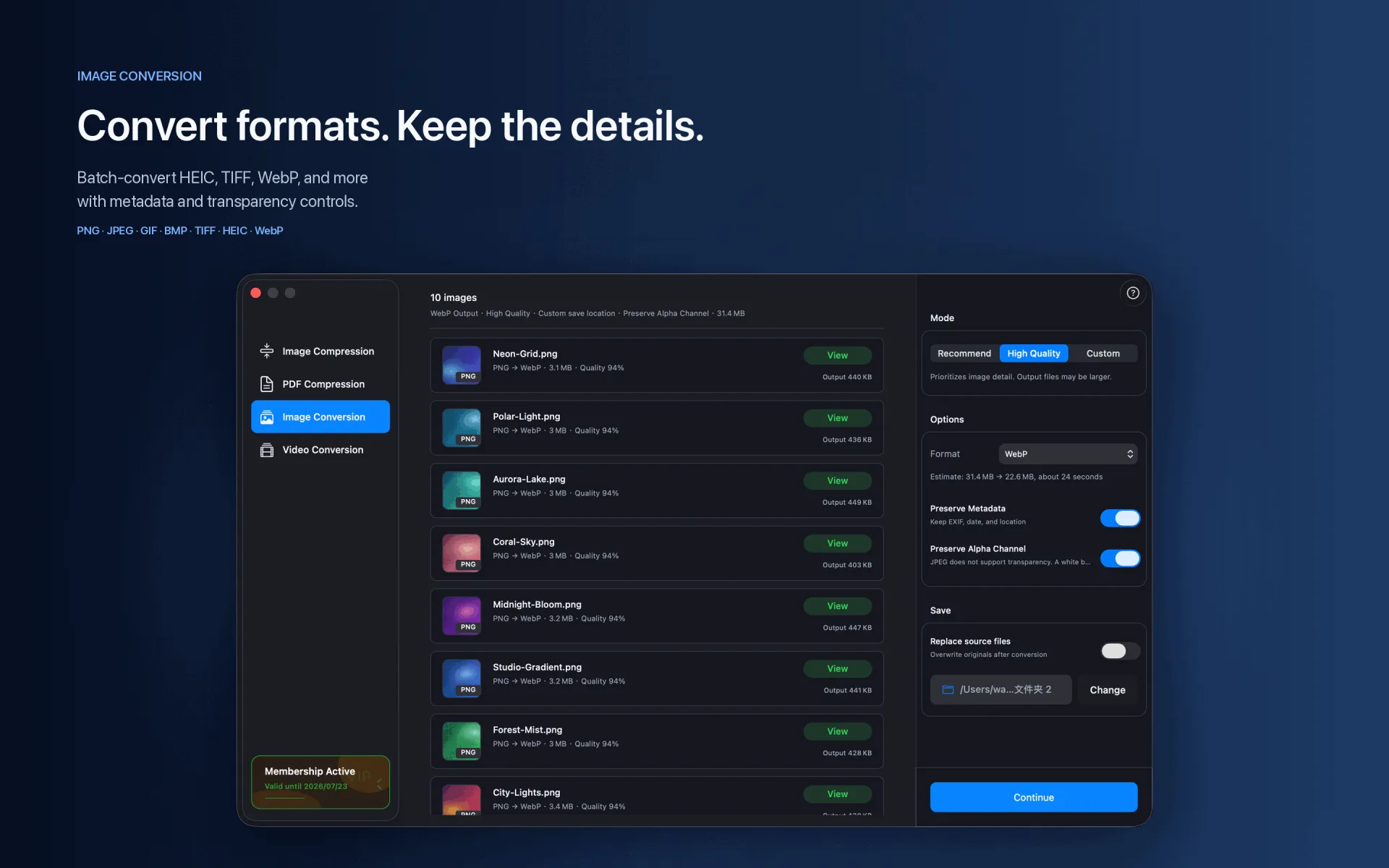
WebP works well on the web, but some design, office, and delivery workflows still require PNG or JPG.
Steps
Import WebP images.
Choose PNG or JPEG, then set quality, alpha-channel, and metadata options.
Choose an output folder and start the batch.
Supported range
WebP → PNG · JPEG · GIF · BMP · TIFF · HEIC
Compression and conversion happen locally on Mac. App Store download, purchase validation, restore purchases, update checks, or feedback you submit may require network access.
Before you start
Keep a backup of important files before choosing to replace originals.
Test a small batch first to verify format, quality, audio, and destination.
Open or play the result on the target device or platform before delivery.